Settings
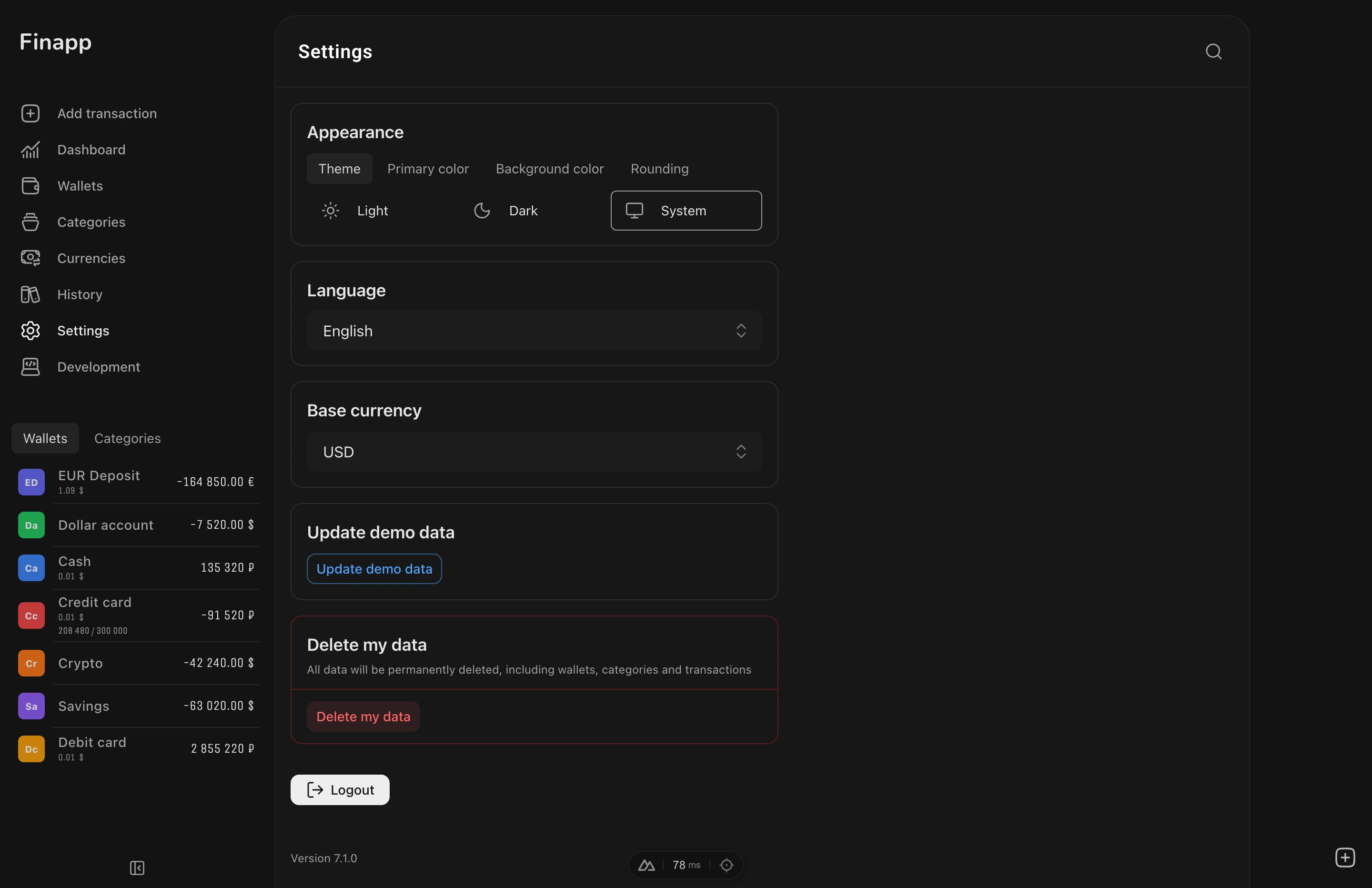
Base Currency
Set your base currency for unified balance totals across all wallets. All wallet balances are automatically converted to this currency using daily exchange rates.
Default: USD.
Language
Finapp supports two languages:
- English (en)
- Russian (ru)
The app detects your browser language automatically on first visit. Language is also available on the login page.
Your language choice is synced to the server - it will be restored on any device you log in to.
Demo Mode
Try Finapp without creating an account. Demo mode generates sample data (wallets, categories, and transactions) so you can explore all features.
- 1000 randomly generated transactions over 2 years
- 18 categories with parent-child hierarchy
- 6 wallets in different currencies (including archived)
- All features work (create, edit, delete, statistics)
- Data stored locally in your browser
Actions:
- Update Demo Data - regenerate all sample data
- Exit Demo Mode - return to login page
Exchange Rates
Exchange rates are fetched automatically from Open Exchange Rates once daily.
Currencies Page
The Currencies page (/currencies) shows all currencies with their rates relative to the base currency.
Two display modes:
- Used - only currencies from your wallets. A compact list for quickly checking current rates.
- All currencies - the full list of 165 currencies with search by code or name.
Actions:
- Right-click a currency -> Set as base to change your base currency
- The base currency is marked with a label in the list
- When you change the base currency, all rates are recalculated relative to the new one
Caching: rates are saved locally - the page works offline using the last fetched data.
Theme
Customize colors, dark mode, and corner roundness. See Theme for all options.
Data Deletion
You can delete all your data from the settings page. This permanently removes all wallets, categories, and transactions from the server. Requires confirmation. Cannot be undone.
Next Steps
- Development / Installation - set up Finapp locally and explore the source code